Notion Alternatives: Notion is one of the best options for taking notes, managing projects, creating databases, and keeping personal information. Anyone can build a simple to-do list, a complete productivity system, etc here due to its flexible workspace.
Notion may not be the right fit for everyone despite offering advanced features. Although some may want complete control over their data, other users might be looking for open-source software, offline access, or a local-first approach.
Several Notion alternatives are thankfully available today. AFFiNE, AppFlowy, and Anytype stand out among the available alternatives for their different approaches to notes, organization, and personal productivity. We’ll today help you find the right option for your needs in this Notion Alternatives review.
Notion Alternatives: Quick comparison
| Categories | AFFiNE | AooFlowy | Anytype |
| Local-first | Yes | Yes | Available |
| Open source | Yes | Yes | Source available |
| Note-taking | Available | Yes | Available |
| Self hosting | Yes | Yes | Yes |
| Mobile apps | Not available | Available | Available |
| Templates | No | Yes | Yes |
| Notion imported | Available with some issues | Cloud-based | Available |
| Collaboration | Available | Yes | Yes |
| Offline use | There | Available | Available |
| Privacy | Strong | High | Very high |
1. AFFiNE
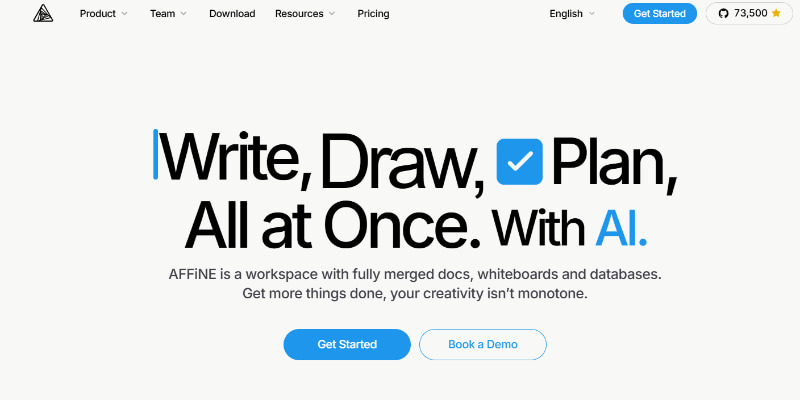
It is the open-source alternative to Notion. The note-taking, databases, collaboration, and visual tools are combined here in one workspace. Its local-first method is one of the biggest differences here.
It lets AFFiNE offer more control over where their information is stored, as it doesn’t depend on cloud storage,
Top features
- Local-first experience
- Open source
- Journaling
- Note-taking
- Team collaboration
- Self-hosting
- AI assistant
The interface is very similar to Notion here. This is why old Notion users may not find any difficulty with its basic workspace. AFFiNE also lets you represent ideas visually through the addition of drawing and visualization capabilities.
You can also use it without dependence on a stable internet connection because it also offers offline access. But users have already found problems with importing data from Notion. This means that Notion users with a large amount of data may experience problems while importing it. It would therefore be best to test migration before making a complete switch.
Who should use: Users looking for an open-source & local-first workspace with notes & visuals tool.
2. AppFlowy
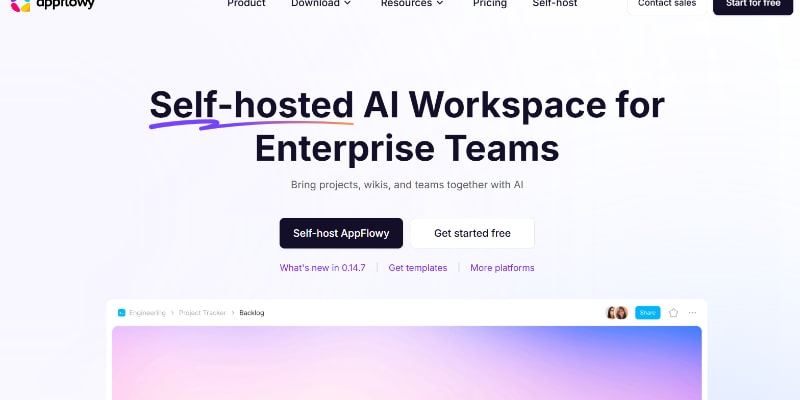
AppFlowy is ideal for those looking for an offline-first productivity workspace. It is centred around its desktop application compared to Notion. Although cloud features are available, the desktop app remains its main focus.
Top features
- Local-first
- Open-source
- Self hosting
- Note taking
- Journaling
- AI features with paid plans
- Android & iOS apps
- Templates
- Cloud collaboration
- Notion import through cloud
AppFlowy often gets regular updates for continued development. It aims to offer a similar type of productivity system with its personal approach instead of only copying Notion. You can also use it offline without any account creation just by selecting anonymous.
Its template support is also useful for users to get started with a common productivity system without creating every page from the beginning.
Although Notion import makes the data import easier, an online account is needed to use it. AI features are also available only with the paid plans. This means that you cannot access it without paying a single penny. Some integrations & features needed for a mature all-in-one workspace are also absent here.
AppFlowy is still a practical choice for notes, tasks, to-do lists, templates, and local-first usage.
Who should use: AppFlowy is ideal for users looking for an open-source productivity app with offline use, templates, and mobile applications.
3. Anytype
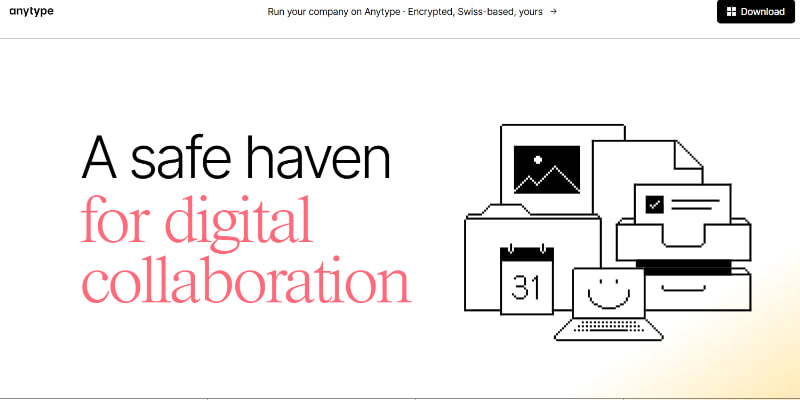
Anytype takes a different path compared to other Notion Alternatives available today. This local-first and decentralized application focuses mainly on privacy, relationships between information, and encrypted data.
Anytype deserves a chance if you like the general structure of Notion and want to store your data locally.
Top Features
- Local storage
- Source-available software
- Encrypted data
- Note-taking & journaling
- Templates
- Notion import
- Self hosting
- Android & iOS apps
- Relationship between objects
Anytype uses the “Object” concept instead of treating everything as pages. Notes, documents, tasks, books, invoices, or other types of information can be represented as objects here.
Users can then create relationships between these objects. For example, a book can be connected to its authors. Notes from that book can also be connected to the same book. It creates a network of related data instead of a regular collection of separate pages.
Privacy is also one of its biggest strengths. Anytype stores encrypted data within your phone as it handles synchronization through a decentralized approach. It also generates a key or passphrase at the beginning of using the app to keep your information safe.
It also supports importing data from Notion. Cleanup afterward, however, may be needed for the import process because imported information doesn’t enter perfectly organized.
Although Anytype is known as an open-source app, it is rather source-available than a complete open-source platform. Its protocols are indeed open source. But its apps use a source-available model.
Who Should Use: It is perfect for privacy-focused users looking for a local-first workspace with relationships between their information.
Read more:
- ProWritingAid VS Grammarly- Which One is Better?
- No-Cost Grammarly Alternatives for Students
- Praktika AI Review in 2026 After Using It for 3+ Years
FAQs
What are the best alternatives to Notion?
AFFiNE, AppFlowy, and Anytype are strong alternatives to Notion. They all offer privacy, local-first use, and flexible note-taking. But their features and workflows differ.
Is AFFiNE a good alternative to Notion?
Indeed, note-taking, document management, visualization, and drawing tools are combined in this app. It is an open-source option offering offline access. This is why it is useful for those looking for more control over their data.
Can I import Notion pages into these alternatives?
Yes, you can import your Notion information into these alternatives. AppFlowy and Anytype support Notion import seamlessly. Some issues are there on AFFiNE in Notion import.
Can AppFlowy work offline?
Yes, you can use it offline. Users can use it without an account through its Anonymous option.
Final Thoughts
Notion is a flexible all-in-one workspace. But it isn’t an appropriate option for all users. AFFiNE, AppFlowy, and Anytype offer different methods to organize notes, tasks, projects, and personal information.
Those looking for complete control over their data should definitely try these apps. You should consider your specific needs to select the ideal app instead of opting for an identical Notion replacement.